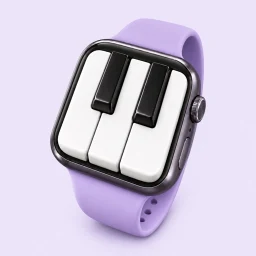

Wrist Piano
Apple Watch · iPhone

A little tap. A familiar melody.
No piano? Just your Apple Watch. Find your rhythm and make time for the music you love.
One purchase · No subscriptions · No ads
Apple Watch required for playing · iPhone for listening and score imports
Watch the demo ↓Tap into a melody
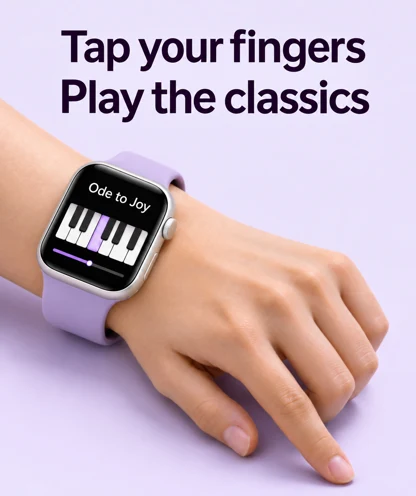
Open a tune and tap a table or the on-screen keyboard to play the next note. Turn a spare moment into a little performance.
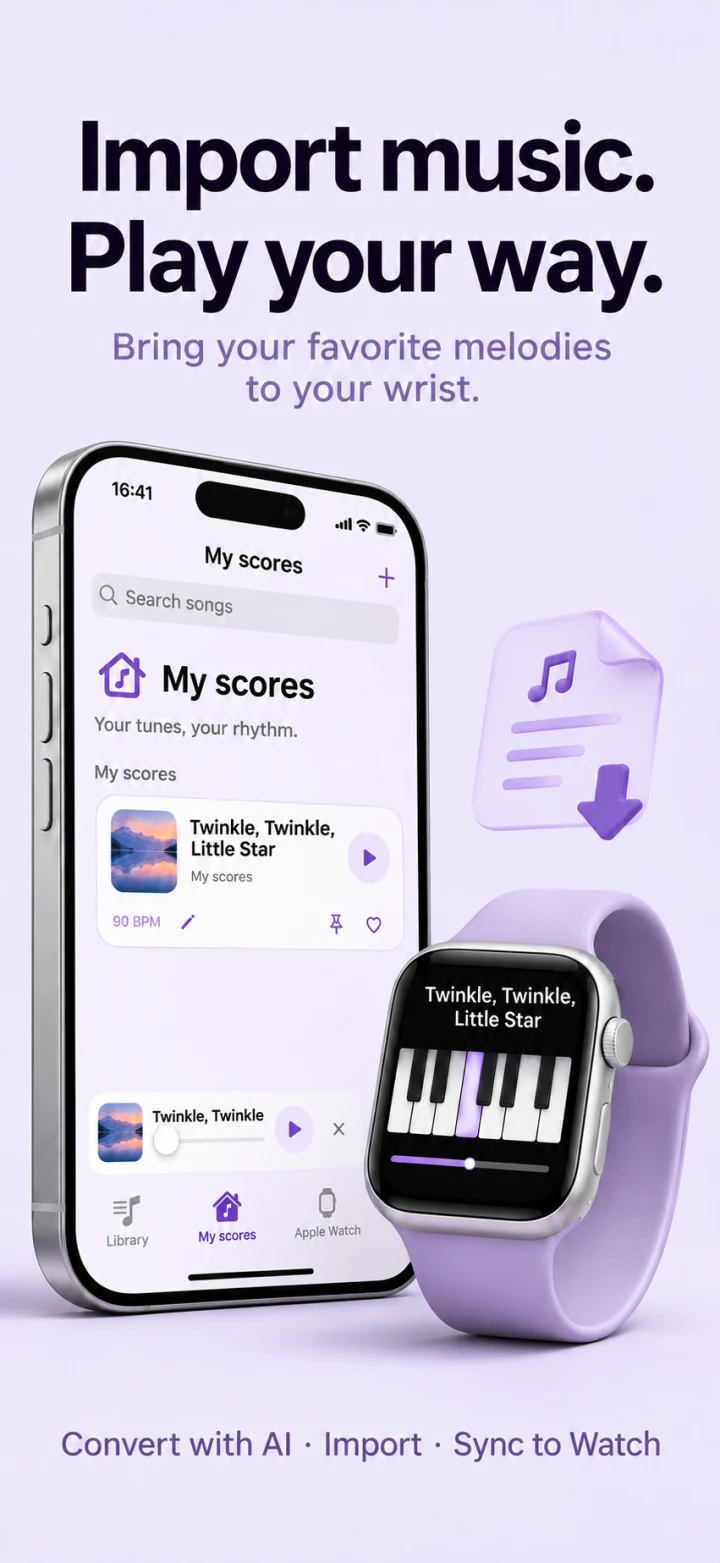
MY SCORES
Make room for
the music you love.
From a familiar classic to the tune you cannot stop humming. Import a compatible score on iPhone, listen to it, then sync it to your watch and play it at your own pace.
- Import a compatible score on iPhone
- Listen, organize, and choose a melody
- Sync to Apple Watch and tap to play
New to score formats? An external AI tool can help prepare a file in a supported format. Import it and check the melody before playing. Wrist Piano does not provide built-in AI score recognition or conversion.
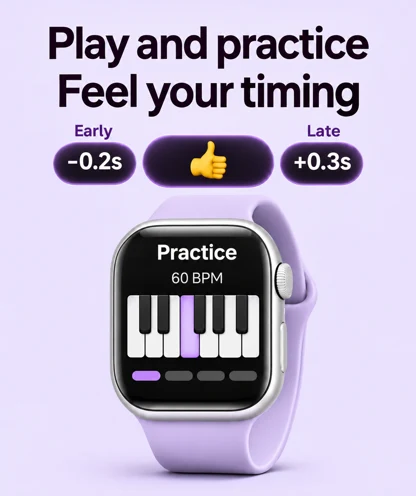
Feel your timing improve
Practice with a four-beat guide and see whether each tap lands early or late. Build your sense of rhythm as you play.
SEE IT IN ACTION
You tap the rhythm.
The melody follows.
You do not need to carry an instrument to make a little music. Put on your watch, pick a melody, and enjoy a moment that is just for you.
Download on the App Store ↗Music on your wrist. Your data stays yours.
Core playback and motion processing happen on your device. No account required. Playing does not depend on an internet connection.
A few things before you play
Which devices do I need?
Motion play requires an Apple Watch running watchOS 10 or later. The iPhone companion requires iOS 17 or later and is for listening, organizing, and importing scores. Playing happens on the watch.
Does it recognize individual fingers?
No. It detects motion reaching your wrist. Each detected tap plays the next note in an arranged melody. You control timing, without choosing pitches with different fingers. It is not a freely pitched piano or a fingering tutor.
What if a tap is missed or triggers twice?
Wear your watch snugly and tap a table with fingers of your watch hand. A light press may not register. Adjust sensitivity in the app: raise it for missed taps and lower it for false triggers, then try again with your usual posture.
Can I import any image, PDF, or song?
Imports need a score format supported by the app. Arbitrary images, PDFs, and audio files are not directly playable. You can use external tools to prepare a compatible score, then import and check it by listening. Use scores you created or have permission to use.
Can I keep playing when the screen dims?
On watches that support Always On with the feature enabled, playing can continue while the screen is dimmed. Behavior depends on your watch and system settings. Leaving the player or returning to the clock pauses playback.
Is there a subscription?
No. It is a one-time purchase with no subscriptions or ads. See your local App Store for current pricing.
Your next melody
starts with a tap.
Download on the App Store ↗One purchase · No subscriptions · No ads